
TennaU LMS Login Troubleshooting
If you are having trouble accessing TennaU, follow the steps in this article.
How to Access TennaU
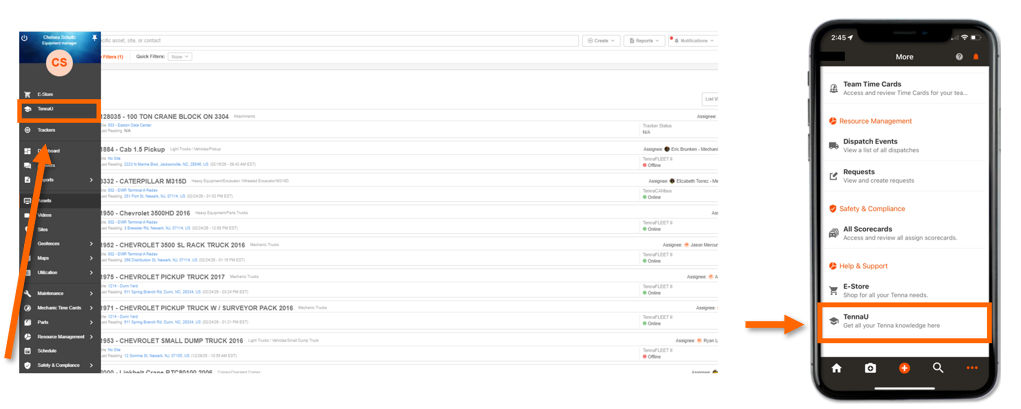
Always access TennaU through the lefthand navigation in Tenna (desktop) or the dotted icon on the app. Do not navigate directly to tennau.tenna.com, as this may cause login errors.
Before You Start
First-time users: Make sure you've accepted your Tenna invitation and logged into the desktop or mobile platforms at least once. Your TennaU account is created automatically when you first log into Tenna.
Recent login changes: If your company recently changed how you log in (for example, switching from password to single sign-on) please:
- Log out of Tenna completely
- Log back in
- Refresh your browser (hold Shift and press F5)
- Try accessing TennaU again
Troubleshooting Login issues
Issue 1: Can't Get Past the Login Screen
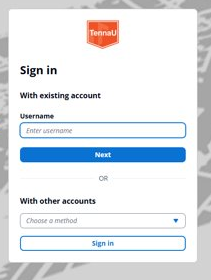
You see an error message when trying to login.
What to check:
If you are logging in with email:
- Are you using the same email address you use for Tenna?
If you log in with phone number:
- Is your phone number in the correct format? It should include the country code.
- Example: +18888363629 (for US numbers, start with +1)
If you log in with SSO (single sign-on):
- After clicking the TennaU link, are you sent to your company's login page?
- If you see a TennaU username/password page instead, contact support- there may be a configuration issue.
If you log in with password:
- Are you using your Tenna password (not another password)?
Still having trouble? Contact Tenna support with:
- Your account name
- Your username
- How you log in (email, phone, SSO, or password)
- The exact error message you see
- If on mobile, which device type (iOS or Android)
Issue 2: Login Works, But You're Sent Back to the Asset List
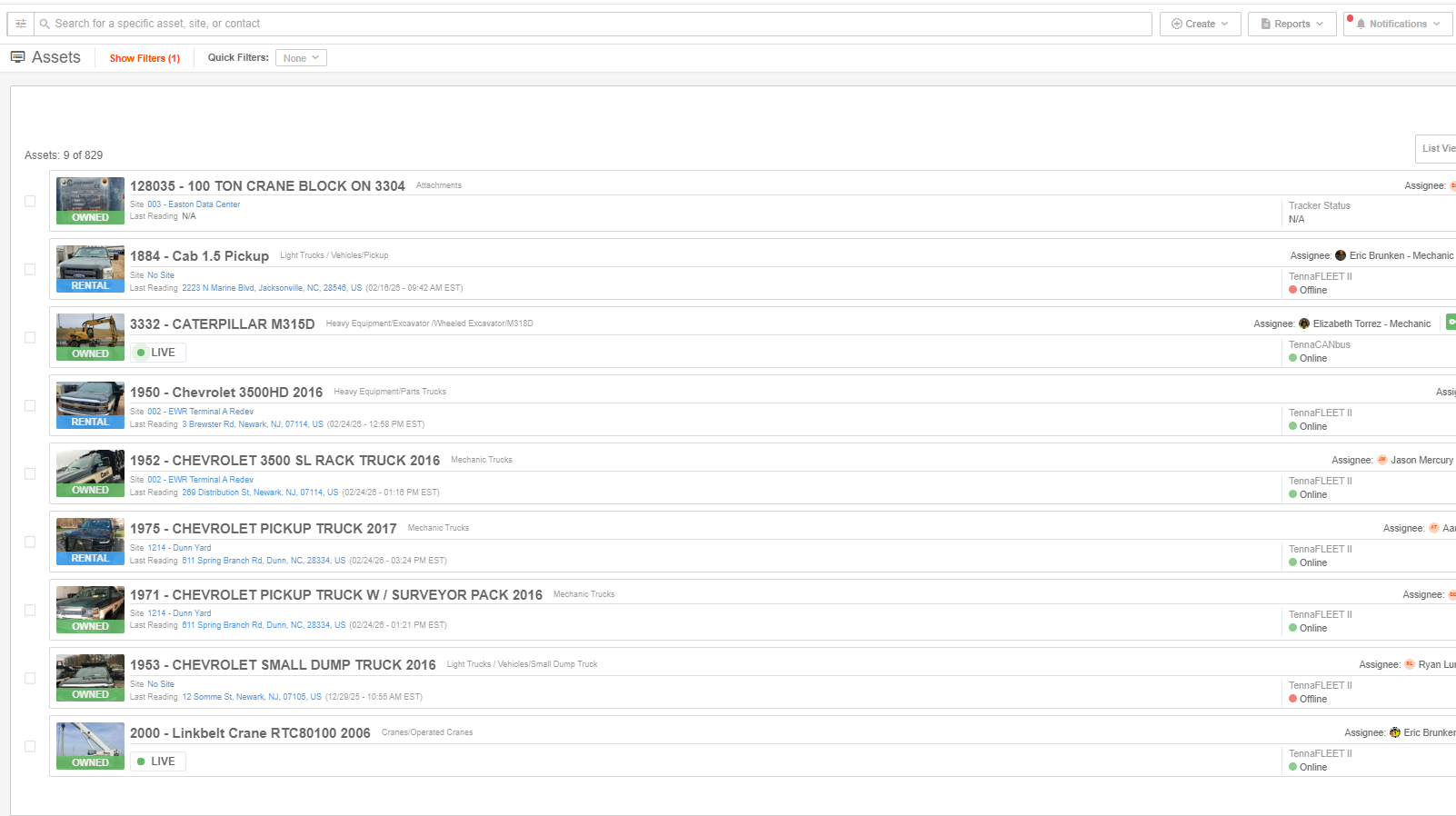
You can log in, but instead of seeing TennaU, you're redirected back to your asset list.
This is a configuration issue. Please contact Tenna support with:
- Your account name
- Your username
- How you log in (email, phone, SSO, or password)
- The exact date and time you tried to access TennaU
We'll resolve this quickly for you.
Need Help?
If you've tried the above and still can't access TennaU, our support team is here to help.
Contact Tenna Support:
- [Include suport email/phone/portal link]
- Have your account name and username ready
- Describe what happens when you try to log in
We'll get you up and running as quick as possible!