
How to View a User Summary Report (TennaU Power Users)
The User Summary Report provides a quick, consolidated snapshot of any individual team member's training.
Permission Requirements: Users must be set as a Power User in TennaU to access this feature. Contact your Account Manager to have this feature enabled.
How to View a User Summary Report
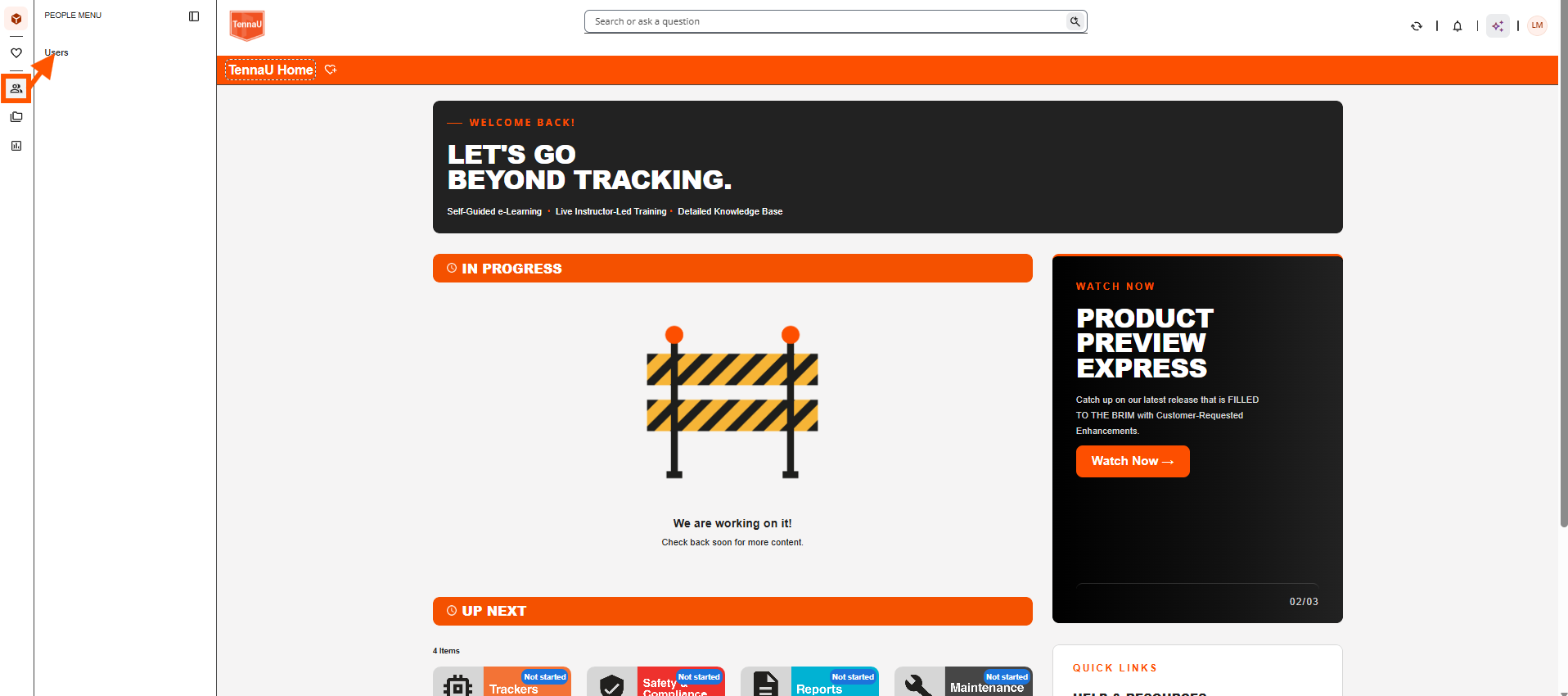
Click the "People Menu", then "Users".
Click the "dotted" icon next to the user you would like the report for, then click "User Personal Summary" Report.

View the report.
