Tracker Management Overview
Tracker Management involves viewing detailed information about your account's trackers. These features are helpful for viewing trackers in your inventory, tracker status, important health metrics, and troubleshooting data.
Tracker Management Features
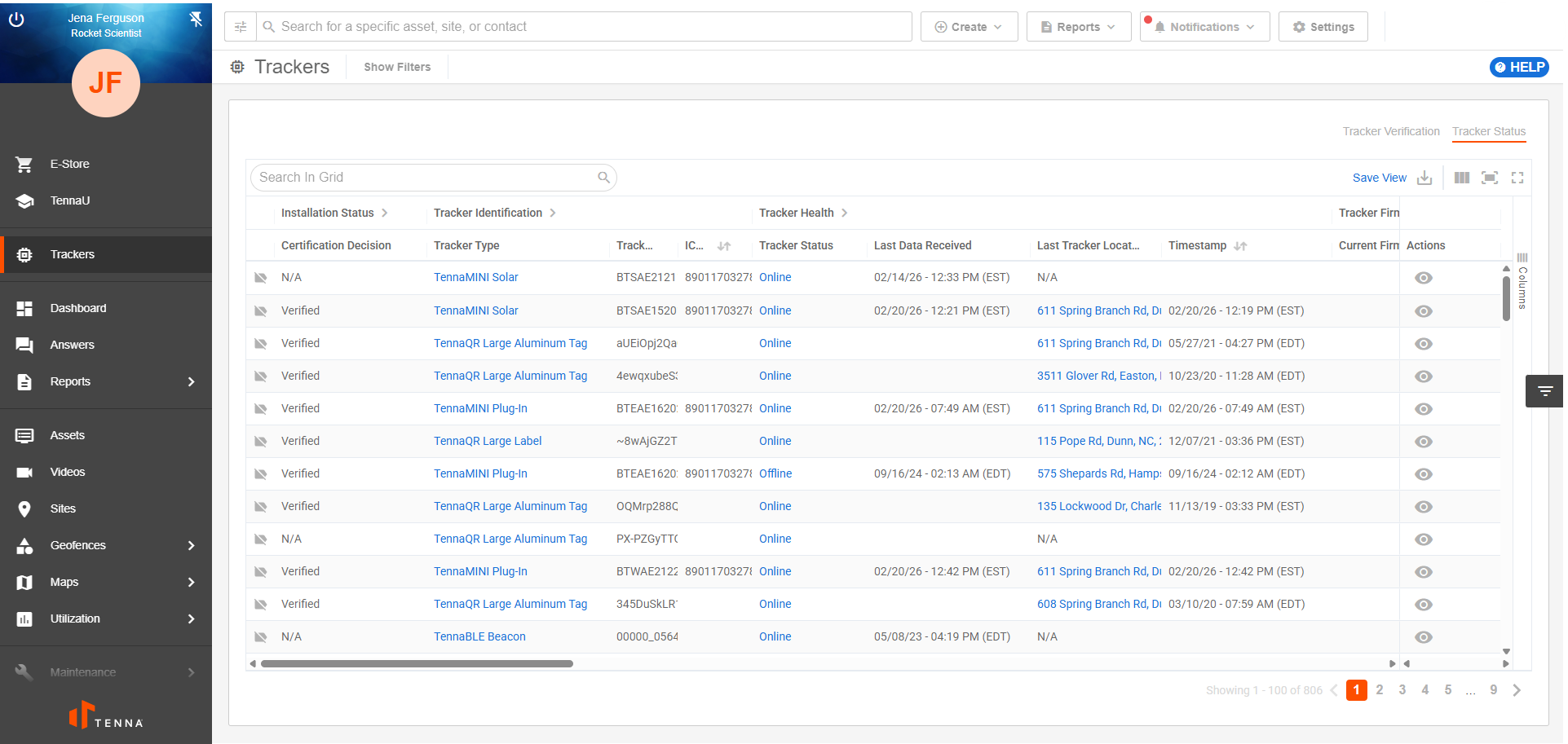
Tracker Verification
After installation is complete, verify that the tracker is assigned to the correct asset and working properly to ensure data is efficient and accurate.
View Tracker Verification Overview for more information.
Tracker Status
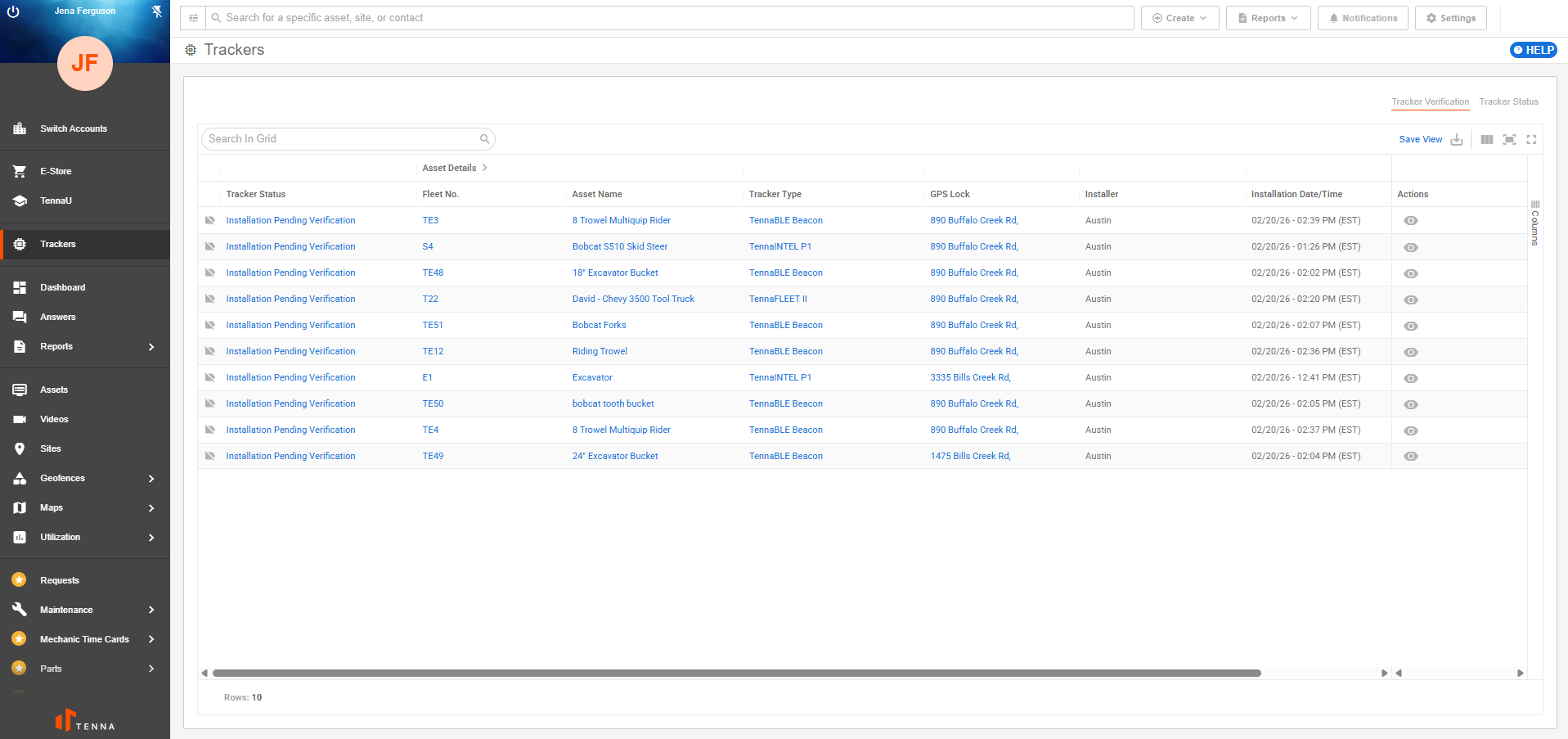
View all trackers assigned to your account - whether they are installed yet or not. View important details like tracker identification, status, health, asset information, and more.
- Search and filter by tracker, asset, project, or status to locate what you need quickly.
- Quickly identify offline trackers and view data to assist in troubleshooting
View Tracker Status Report (Desktop) for more information.
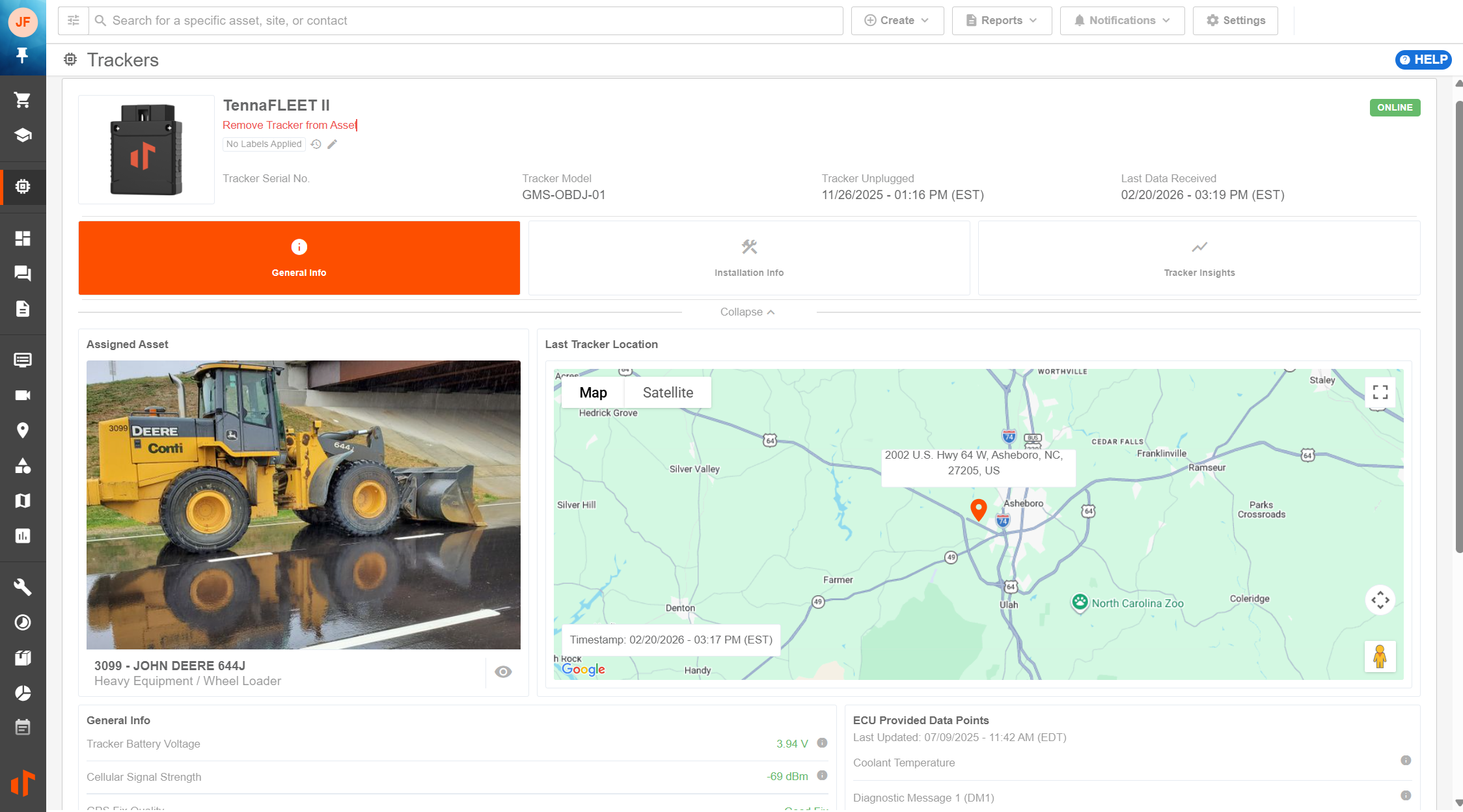
Tracker Details
View pertinent information for a specific installed tracker.
View Tracker Details Page Overview for more information.
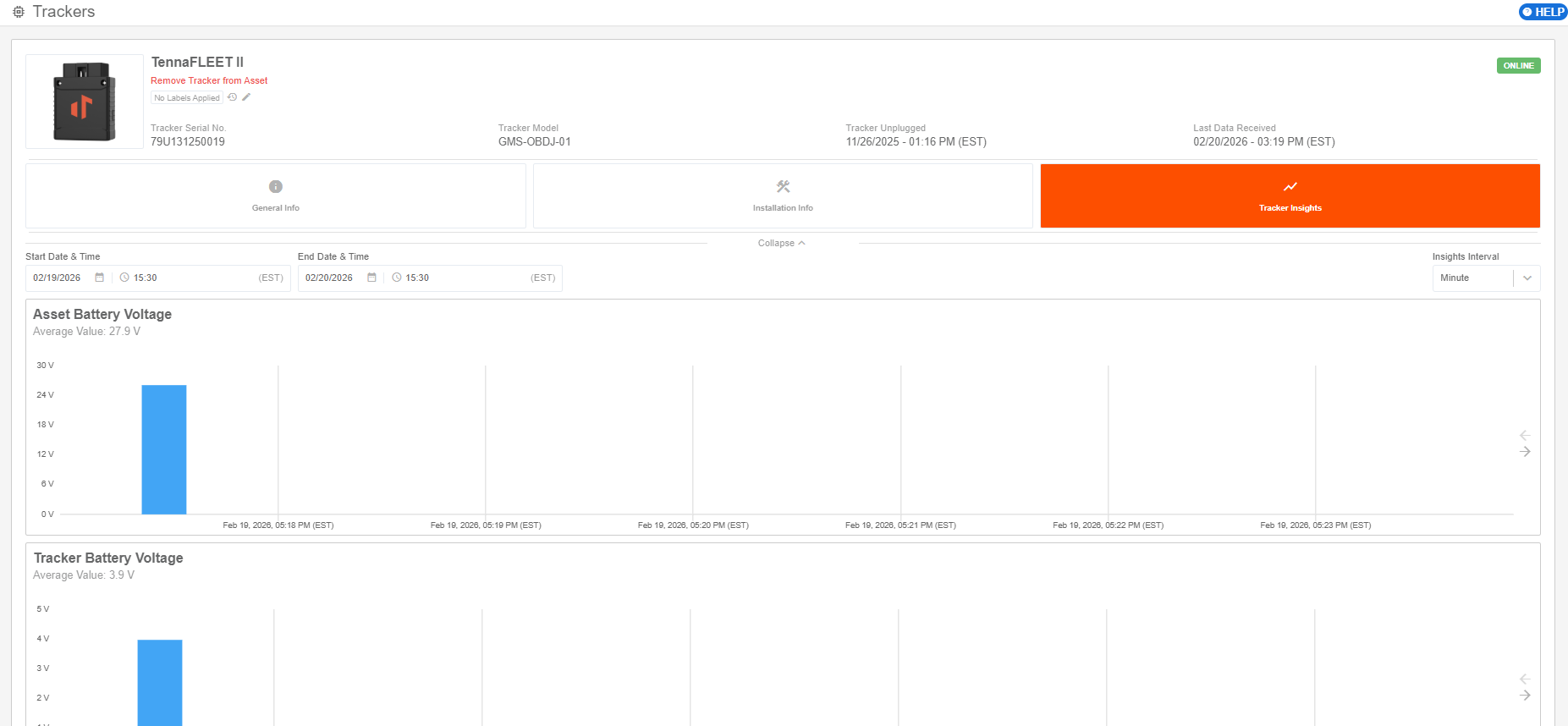
Tracker Insights
Provides insights into the health and connectivity of each device, helping you keep your hardware performing in the field. These include battery level, cellular signal, GPS quality, and more.
View Tracker Insights Overview for more information.